

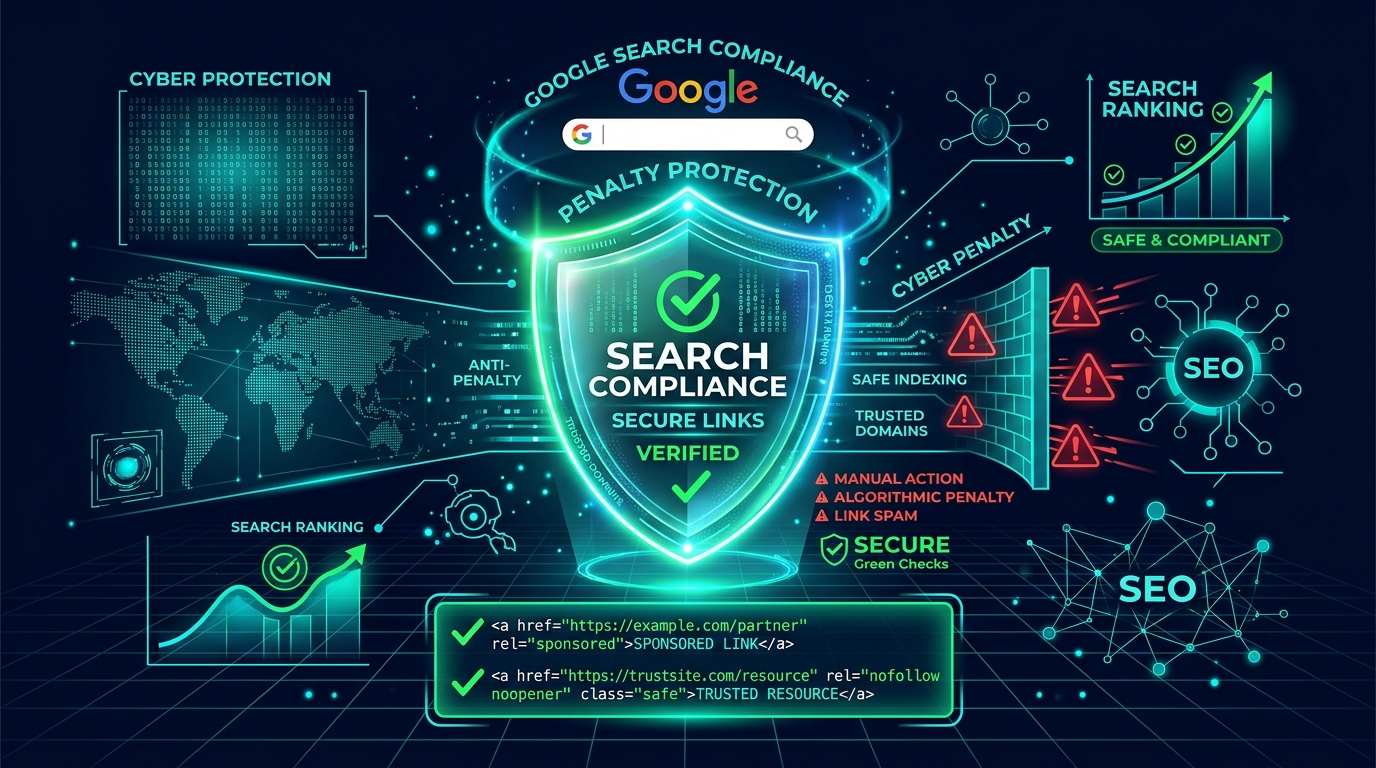
Every year, hundreds of affiliate niche blogs lose their search rankings overnight following Google core updates. In almost every case, the site owner blames AI content or topical authority. But upon technical inspection, the underlying culprit is often far simpler: thousands of untagged outbound commercial links passing unauthorized PageRank.
Under Google's official Link Spam guidelines, commercial affiliate partnerships must be explicitly declared using qualifying HTML relationship attributes. Using a dedicated WordPress affiliate marketing plugin equipped with an automated rel="sponsored" link manager is the only reliable way to guarantee complete sitewide compliance.
Google's Link Guidelines: rel="nofollow" vs. rel="sponsored"
In September 2019, Google updated how it interprets outbound links by introducing two new attribute values alongside the classic rel="nofollow":
<a href="https://example.com/partner-deal" rel="nofollow sponsored noopener" target="_blank">Check Deal</a>
- rel="sponsored": The official, preferred directive specifically designated for affiliate links, paid product reviews, and monetized commercial referrals.
- rel="nofollow": The legacy tag introduced in 2005. Google continues to accept it for affiliate links, but recommends
sponsoredas the clearer signal. - rel="noopener": A critical security attribute that prevents external merchant sites from accessing
window.opener, stopping tab-nabbing vulnerabilities.
The Threat of Google Link Spam Penalties in 2026
Google uses its AI-based spam prevention system, SpamBrain, to map the web's link graph. When SpamBrain detects hundreds of outbound affiliate tracking links (such as Amazon tags or ShareASale redirects) lacking the rel="sponsored" tag, one of two penalties occurs:
- Algorithmic Demotion: Google devalues the site's entire link equity, dropping keyword rankings across the board.
- Manual Action: Search quality raters issue a "Unnatural Outbound Links" manual action in Google Search Console, requiring an exhaustive link audit before reconsideration.
How to Audit Outbound Links Across Your WordPress Blog
Before you can fix compliance issues, you must understand your current link exposure:
- Inspect Raw HTML: Right-click any affiliate CTA button on your published site and select Inspect Element. Check the
<a>tag for therelattribute. If it only readstarget="_blank"withoutrel="sponsored", your site is vulnerable. - Audit Cloaked 302 Redirects: Even if your links look like internal URLs (e.g.,
yoursite.com/recommends/product), Googlebot follows the 302/301 HTTP header and evaluates the final merchant destination. The anchor pointing to the redirect must still carryrel="sponsored"!
Automating rel="sponsored" with AffiStyle
Manually editing thousands of historical blog posts to add rel="sponsored" to every link is impossible for solo publishers. AffiStyle solves this at the rendering layer with zero database risk:
CloudVault Pro Encrypted Backup System
Enterprise-grade AES-256 cloud backup with automated snapshot restoration and zero-knowledge end-to-end client encryption.
How AffiStyle Enforces Compliance:
- Automated Gutenberg Card Links: Every button, title link, and image anchor inside AffiStyle product boxes automatically outputs
rel="nofollow sponsored noopener". - Safe Link Cloaking: When AffiStyle generates 302 redirects, it sends compliant HTTP header tags that instruct Googlebot not to index redirect slugs.
- Sitewide Auto-Linking Engine: The built-in keyword tokenizer automatically attaches
rel="sponsored"to every monetized keyword match across your historical catalog.
Attribute Matrix: Which Rel Tag Should You Use?
| Link Type | Recommended Rel Attribute | Google Compliance Status |
|---|---|---|
| Affiliate Links & Product Boxes | rel="nofollow sponsored noopener" |
100% Compliant |
| Sponsored Reviews & Paid Posts | rel="sponsored" |
100% Compliant |
| User Generated Comments | rel="ugc nofollow" |
100% Compliant |
| Standard Internal Links | None (Do Not Add Rel) | Passes PageRank |
Frequently Asked Questions
What is the difference between rel='nofollow' and rel='sponsored'?
rel='nofollow' was created in 2005 to tell search crawlers not to pass PageRank to untrusted content. In September 2019, Google introduced rel='sponsored' specifically for advertisements, paid endorsements, and affiliate links. While Google accepts rel='nofollow' for affiliate links, rel='sponsored' is Google's explicit preferred directive.
Can I combine rel='nofollow' and rel='sponsored' on the same link?
Yes. Google explicitly allows combining them (e.g., rel='nofollow sponsored noopener'). This is widely recommended because it satisfies Google's modern link spam algorithm while ensuring backward compatibility with older search engines like Bing and DuckDuckGo.
Will my site get penalized if I forget rel='sponsored' on affiliate links?
Yes. Google's Search Essentials and Link Spam Updates specifically target review blogs that pass PageRank through commercial affiliate links. Unmarked affiliate links can trigger algorithmic demotions in organic search or manual action notifications in Google Search Console.
How does AffiStyle automate rel='sponsored' across WordPress?
AffiStyle enforces rel='nofollow sponsored noopener' globally. Every button in Gutenberg product review cards, comparison tables, cloaked 302 redirect links, and automated keyword links automatically receives these attributes without requiring manual HTML editing.